EVOLV
A downloadable tool for Windows and Linux
[ E ] ENGINEERING
[ V ] VISION
[ O ] OPTIMIZATION
[ L ] LEARNING
[ V ] VERIFICATION
Local-first · Windows · No account
Runs on your machine. Stays on your machine.
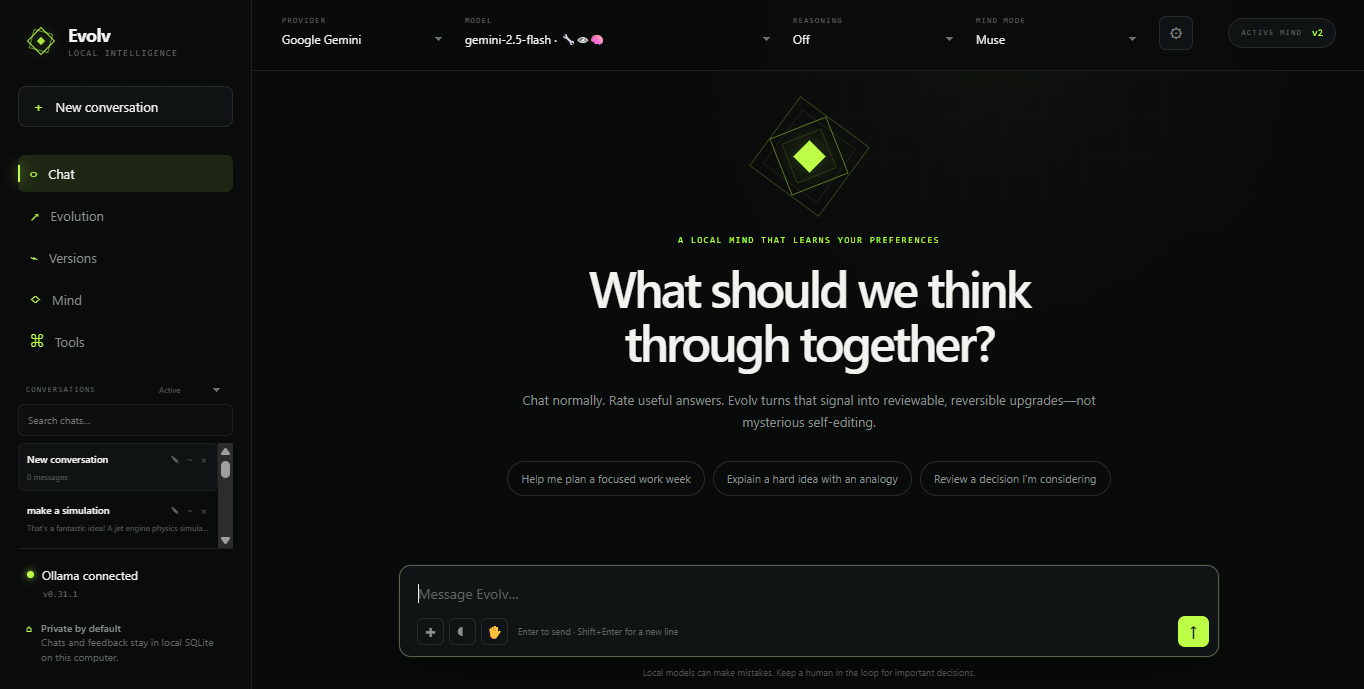
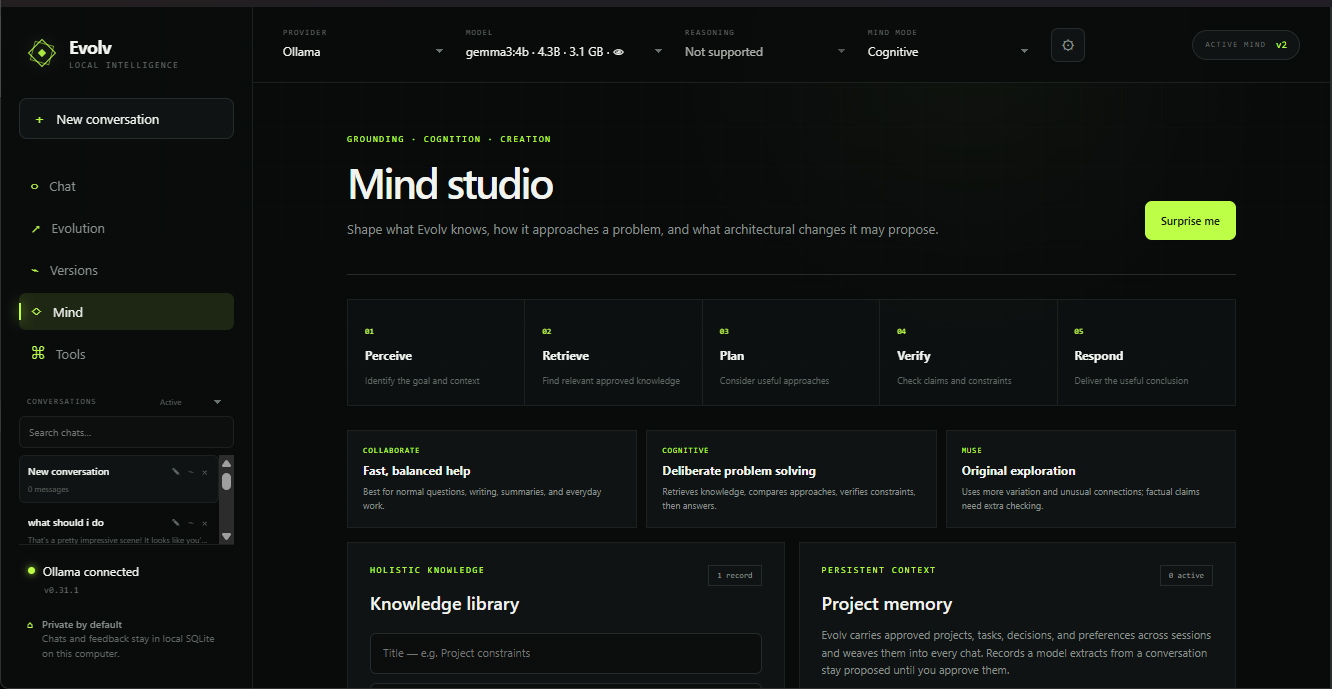
Evolv is an AI assistant you can talk to, that can see, and that reads your own notes — with the network cable unplugged.
What never leaves your computer
- Your voice transcribed on-device
- Your notes read from your own vault
- Your camera processed on-device
- Your chats stored in local SQLite
- Your API keys never sent anywhere but the provider
Total sent out nothing
Offline voice
It talks back with the internet off.
Speech in runs on whisper.cpp. Speech out runs on Piper. Both on your CPU. Most desktop AI apps advertise “voice” and then send your microphone to a cloud API with your own key attached — Evolv doesn't. Pull the ethernet and it keeps working.
Obsidian vault
Ask questions against the notes you already have.
Point Evolv at your vault folder. No re-uploading, no separate knowledge base to maintain, no copy of your notes living somewhere else. It reads the markdown files on your disk.
Vision
Camera and image input, handled locally.
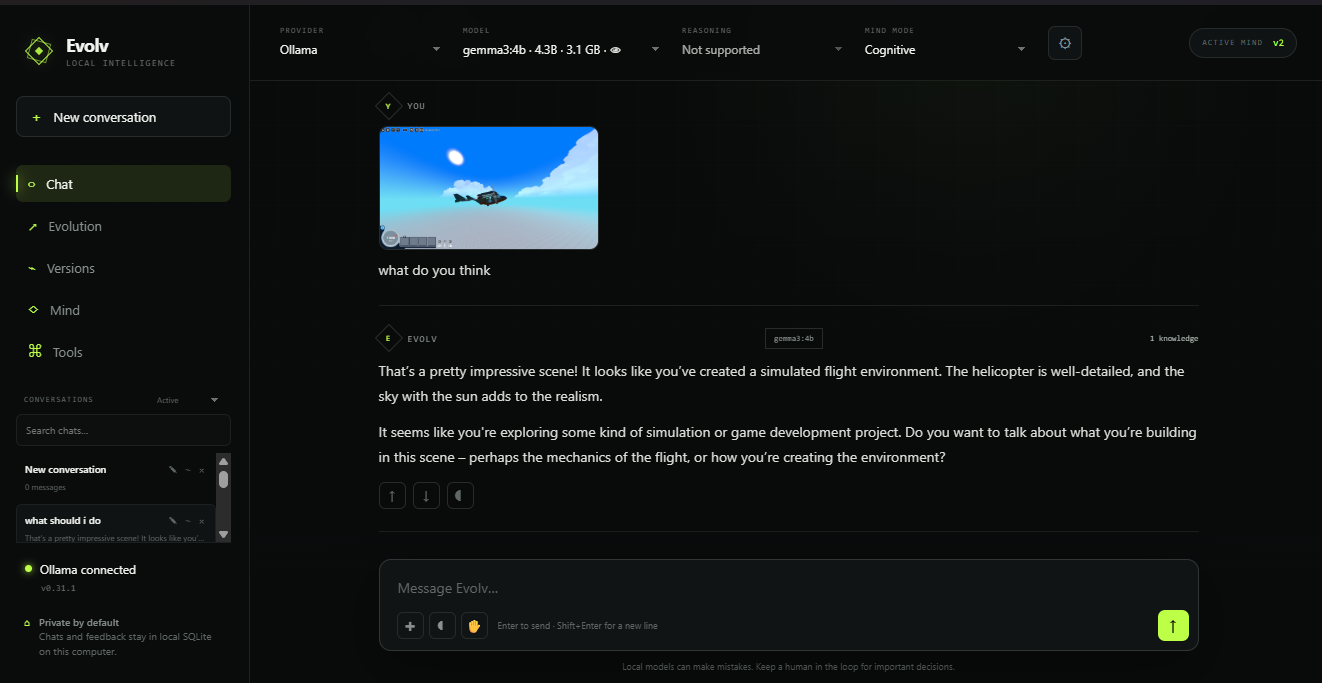
MediaPipe runs on-device for camera and image understanding. Show it a whiteboard, a schematic, a screenshot.
Models
Free local models, or the big ones when you want them.
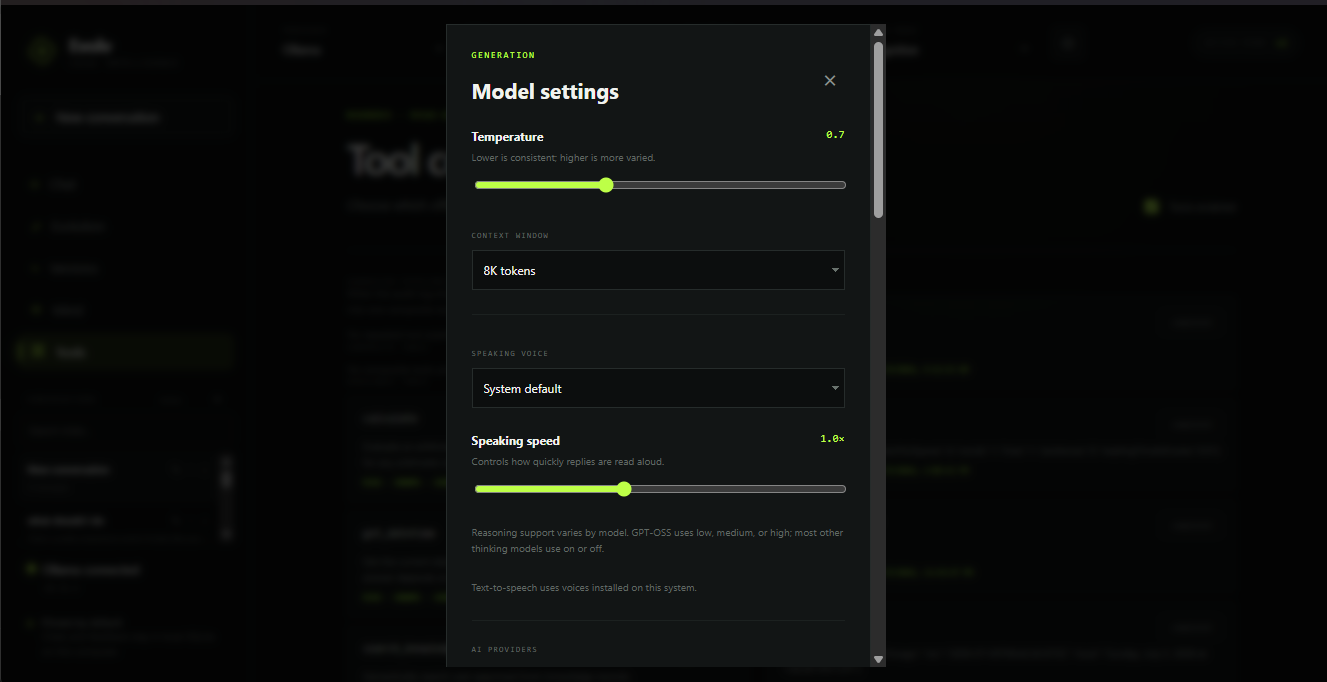
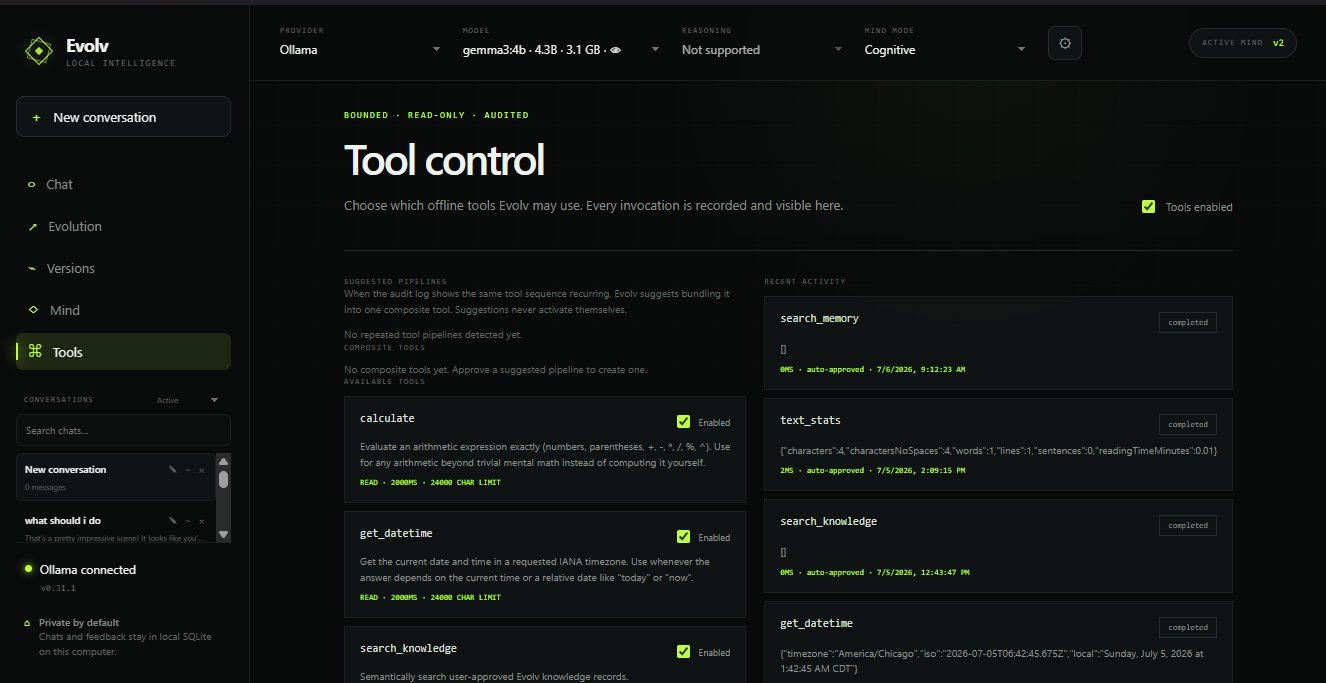
Ollama for local models at no cost and no token limits. Or bring your own OpenAI, Anthropic, Gemini, or OpenRouter key when a task needs the frontier. You choose per conversation.
Specifications
- Platform Windows 10 / 11
- Runtime Electron desktop app
- Server local only, bound to 127.0.0.1
- Storage SQLite on your disk
- Memory ~8 GB free for a 7–8B local model
- Optional Ollama, for local models
- Source public on GitHub
Two builds on this page
Free — v0.2.0. The early build. Chat only. Try it to see whether the app runs well on your hardware.
Paid — v0.6.3. Offline voice, vision, Obsidian vault, all providers. This is the one the page above describes.
Built by one person. It ships often, and if you hit something broken I will actually read the message — comments below, or open an issue on GitHub.
Purchase
In order to download this tool you must purchase it at or above the minimum price of $1 USD. You will get access to the following files:
Development log
Leave a comment
Log in with itch.io to leave a comment.